
How can I send a reminder to my customer to pay their invoice?
Column offers a few ways for you to send reminders to customers with unpaid, overdue invoices:
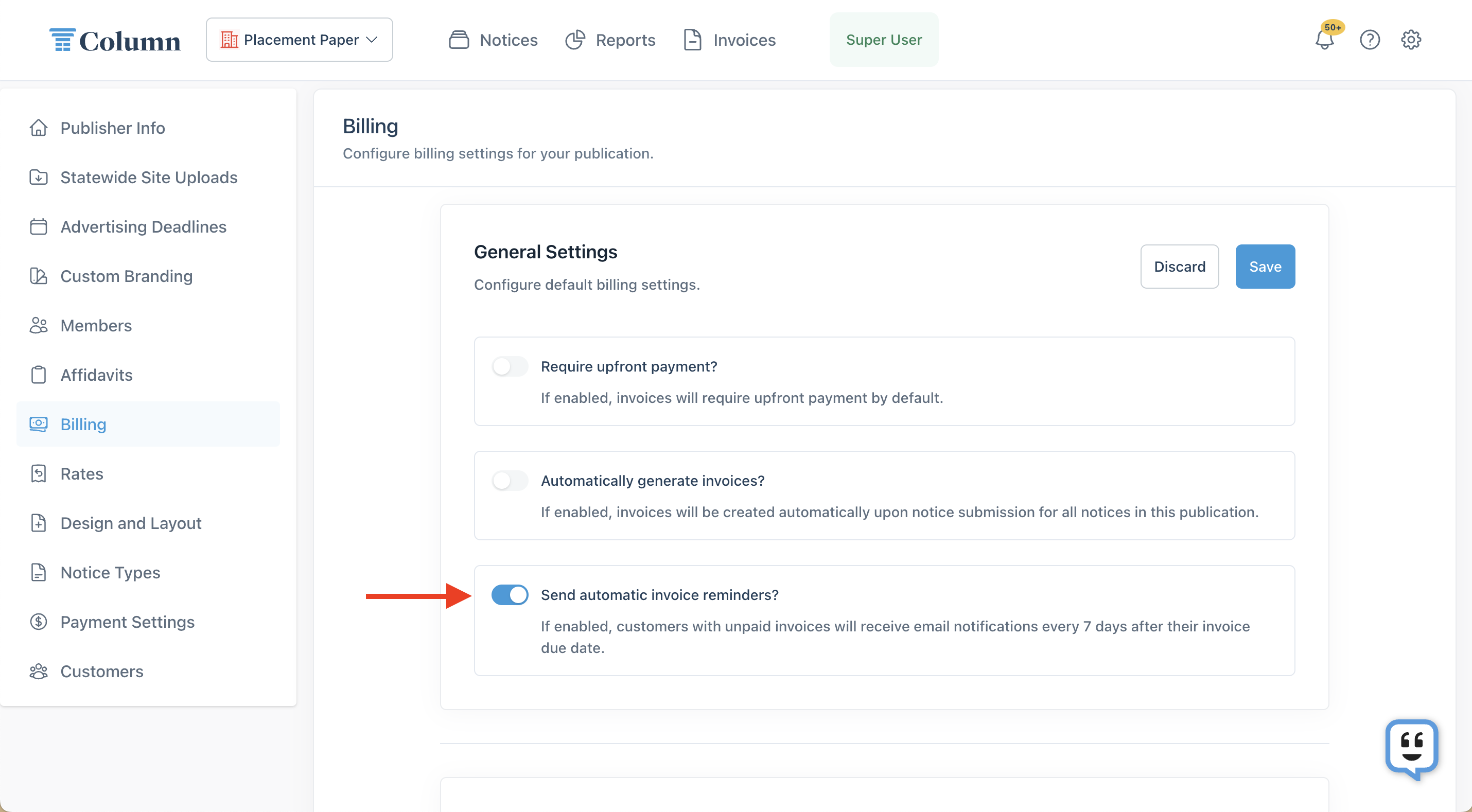
1. You can set up automatic, recurring invoice reminders in the Billing section of My Organization settings. When turned on, this setting will send email reminders to customers with overdue invoices every week.
2. You can send one-off reminders on the Notice Details page. Open a notice, then click the arrow next to the "View Invoice" button. Click "Send Reminder," then enter the customer's email address. Click "Send Reminder" to confirm, and Column will resend the invoice to the intended recipient. As of August 2026, if the customer prefers a mailed copy of the invoice, an additional shipping fee applies.
See the related articles below for more information, if needed!